Shopalyst App is available to Team Unilever and authorized partner organizations. Access is managed through Unilever's Single Sign-On (SSO) infrastructure, ensuring a secure and streamlined login experience.
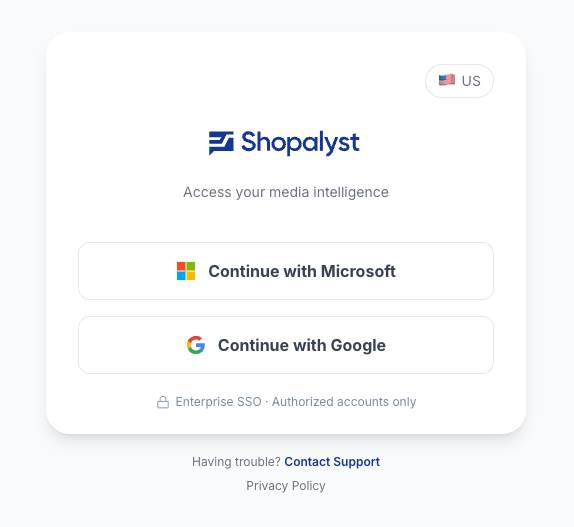
For Team Unilever
How Access Works
Shopalyst Prism uses Unilever SSO for authentication. You do not need a separate account — your Unilever credentials are used to log in directly.
Access provisioning is managed by dedicated Business Unit (BU) Admins. To request access, reach out to the Point of Contact for your Business Unit.
Business Unit Points of Contact
| Business Unit | Point of Contact |
|---|---|
| Beauty & Wellbeing | Chante.Waters@unilever.com Marzena.Delfa-Victoria@unilever.com |
| Personal Care | Eli.Fishbein@unilever.com Maria.Khalid@unilever.com |
| Foods | Farhad.Rashid@unilever.com |
Note: If you are unsure which Business Unit you belong to, please check with your line manager or HR Business Partner.
Steps to Get Access
- Identify your Business Unit from the table above.
- Contact the corresponding Point of Contact to initiate an access request.
- The BU Admin will provision your access within Unilever SSO.
- Once provisioned, direct log in to Shopalyst PRISM using users' standard Unilever SSO credentials works
For Partner Organisation Users (Guest Users)
If you are from a partner organisation working with Unilever, access to Shopalyst Prism follows a two-step process.
Step 1 — Unilever Guest User Onboarding (ACAM)
Partner users must first be onboarded as guest users through Unilever's ACAM (Access & Controls Administration Module) guest user onboarding process. This establishes your identity within the Unilever SSO ecosystem.
To initiate this, coordinate with your Unilever contact or the relevant Business Unit Point of Contact from the table above. As long as the SSO login is approved by Unilever, direct log in with standard credentials work for PRISM
Step 2 — Access Approval within Shopalyst Prism
Once user's ACAM onboarding is complete, an additional access approval is required within Shopalyst Prism.
- This approval is granted by a Shopalyst Prism Admin user.
- Please request your Unilever Business Unit contact to arrange this approval on your behalf.
- You will be notified once access has been granted.
Summary — Guest User Access Flow
Partner User
│
▼
Unilever ACAM Guest User Onboarding
│
▼
Shopalyst Prism Access Approval (by Admin)
│
▼
Direct Sign-In via link
Was this article helpful?
That’s Great!
Thank you for your feedback
Sorry! We couldn't be helpful
Thank you for your feedback
Feedback sent
We appreciate your effort and will try to fix the article